
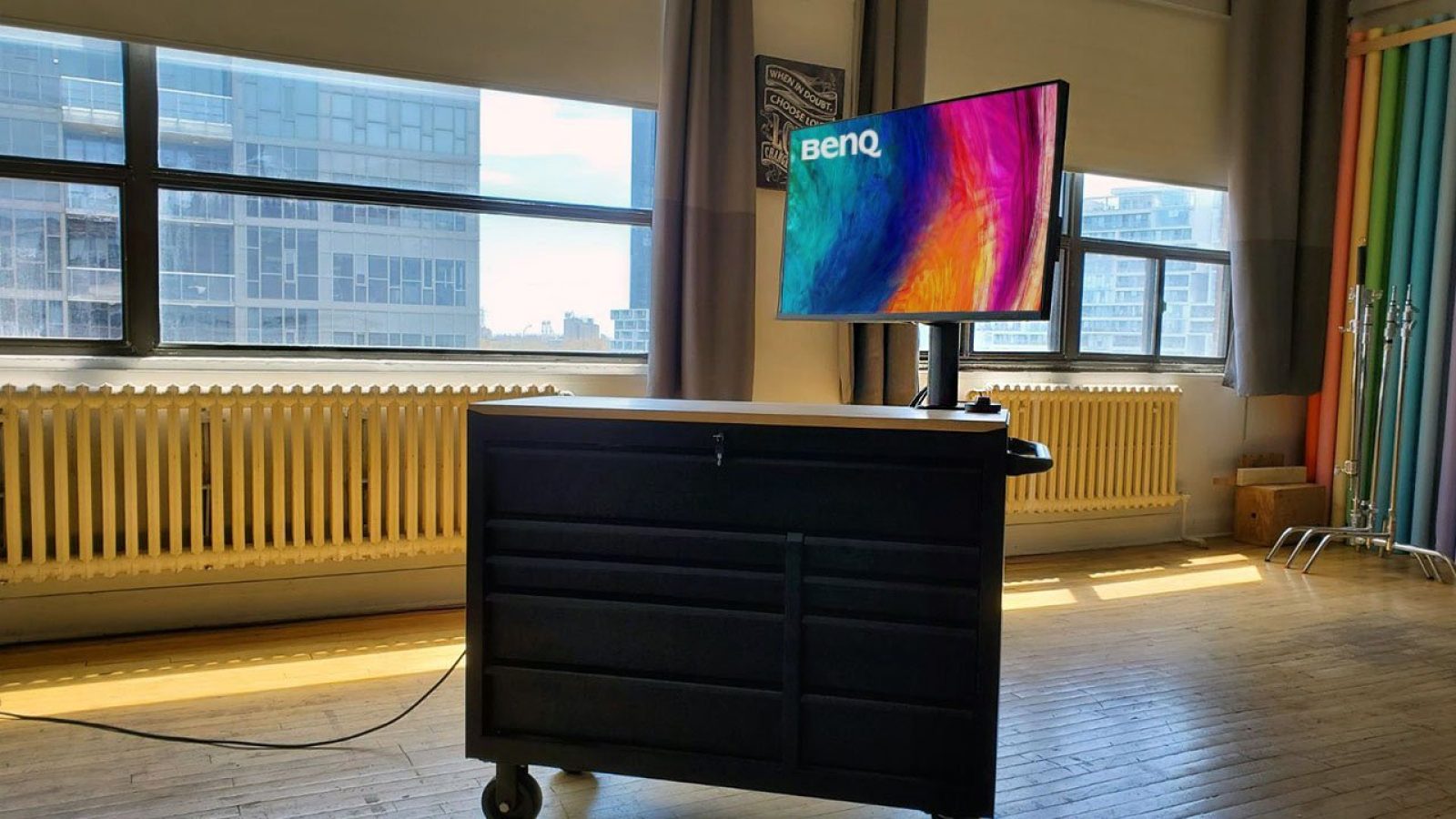
I'll admit right now that I have a bit of a weakness for monitors with built-in "arms". Yes, the cynical among us will always be quick to point out that you can basically buy any monitor you want and then just mount it on an arm from an established third party - it's not like VESA compatibility is an outright rarity, is it?
There's an element of dexterity, that's for sure, and saving the hassle of checking compatibility and deciding on two products instead of just one is definitely a factor in my preference. Furthermore, it often means that the monitors themselves are designed to be not just space-saving, but creatively focused, and that's something I prefer as well.
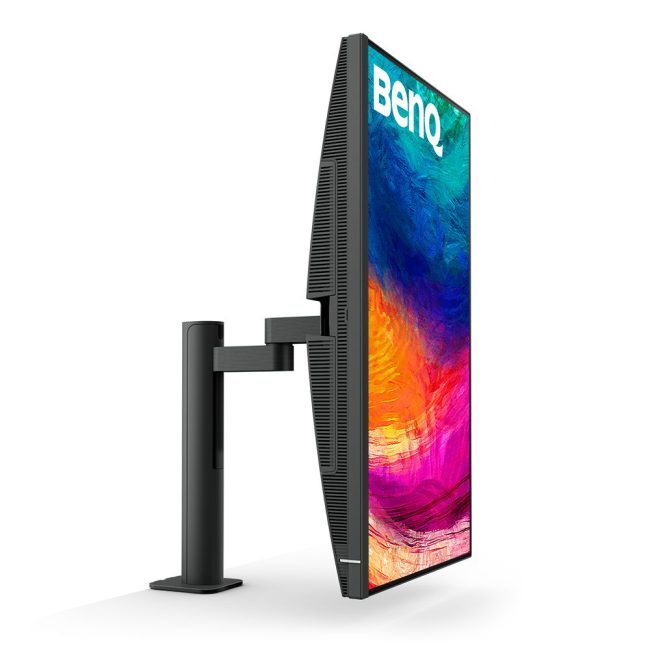
Take BenQ's "PD3205UA" as an example. Yes, the name is one of the most confusing and demonstrates just how far we've fallen, but if you look beyond this branding blunder, you'll find an extremely well-rounded designer monitor that offers many great features for creative souls (with small desks).
First and foremost, we're talking about a 31.5" IPS 4K 16:9 panel that promises 99% sRGB coverage, 99% Rec709 coverage and with Delta-E deviations between 2 and 3, making it a candidate for professional colour grading. There is HDR support, and at times the monitor can go well over 500 NITS, but it falls over a more general brightness test, but as Linus Sebastian, among others, have stated repeatedly, few professional workstations actually have an HDR-critical workflow, so high brightness is primarily something that counts for the entertainment area, and not so much what you would call "colour-critical" work. Another thing is that you really don't pay much attention to it up close.
All of this can be controlled via the so-called BenQ "Hockey Puck", which is a fancy word describing a small circular remote that mounts with a cable and provides quick access to brightness settings via a wheel, or shortcuts to distinct color profiles.
There's the KVM Switch, which is 90W USB-C PD, so it can keep a laptop fully charged, and combined with a fairly healthy number of ports, such as HDMI, DisplayPort, USB-C and a whopping three USB-A ports. There are even two working 2.5W speakers, but that's the nicest thing I can say about them.
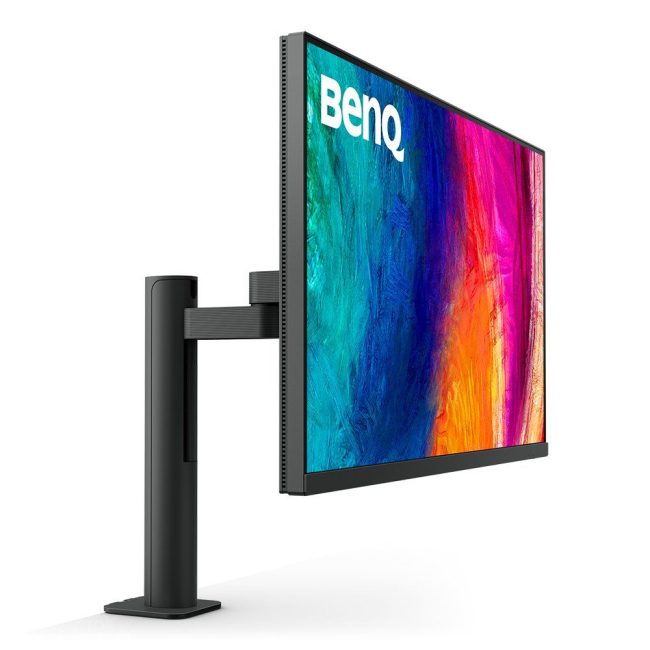
The screen is also aesthetically pleasing. Yes, the frame itself is rather plastic-like, but the arm it's mounted on is quite nice and works really well. There's tilt from -5 to 30 degrees, swivel to 275 degrees, and it's height adjustable by 150 millimeters. This is clearly where BenQ has invested and it shows.
The only real complaint is that, for just under £600, we're missing a few more bells and whistles. A built-in webcam, better speakers, a fun dock for an iPhone so it can function as a webcam - I don't know. The arm is nice, the screen is nice, but the price is also high, and you can get a Samsung Viewfinity S6, for example, or a similar Dell monitor for considerably less.
However, there are small distinctions, such as the Hockey Puck and BenQ's superior color chemistry, that make this one easy to recommend, especially if you're looking to get your hands on a monitor with an arm.